
Import data to your individual Passvault vault for easy migration from any password management solution. You can also import from one Passvault vault to another or import an encrypted export.
Organization members can import data from any collection for which they have Can manage permission by following the above instructions and choosing the organization from the Import from dropdown.
Admins and owners can export all organization data using the following instructions:
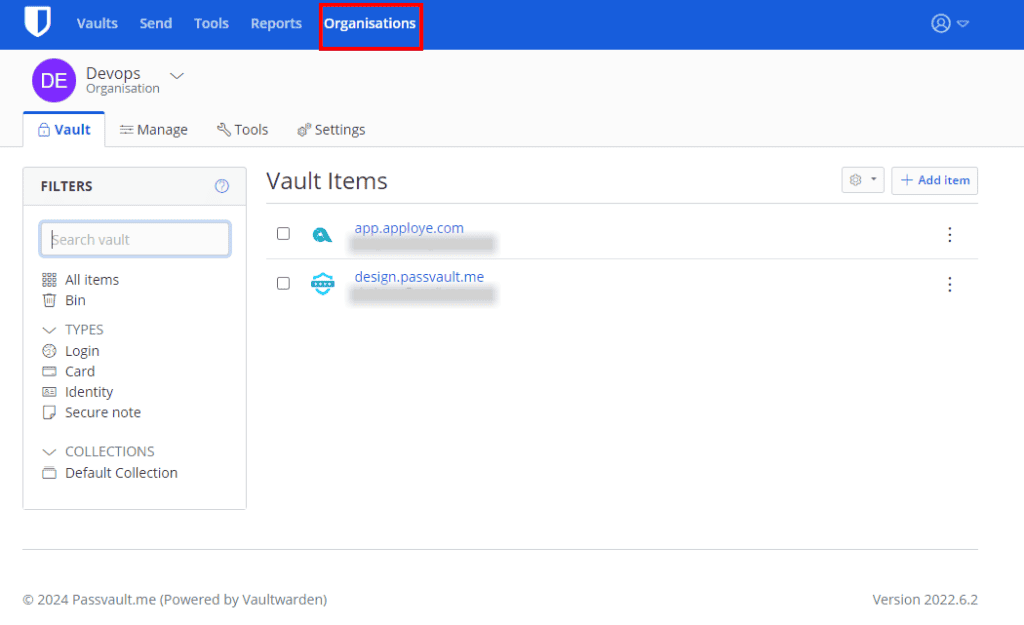
- Open the Organization using the click on menu:
2. Select Tools → Menu from the navigation:
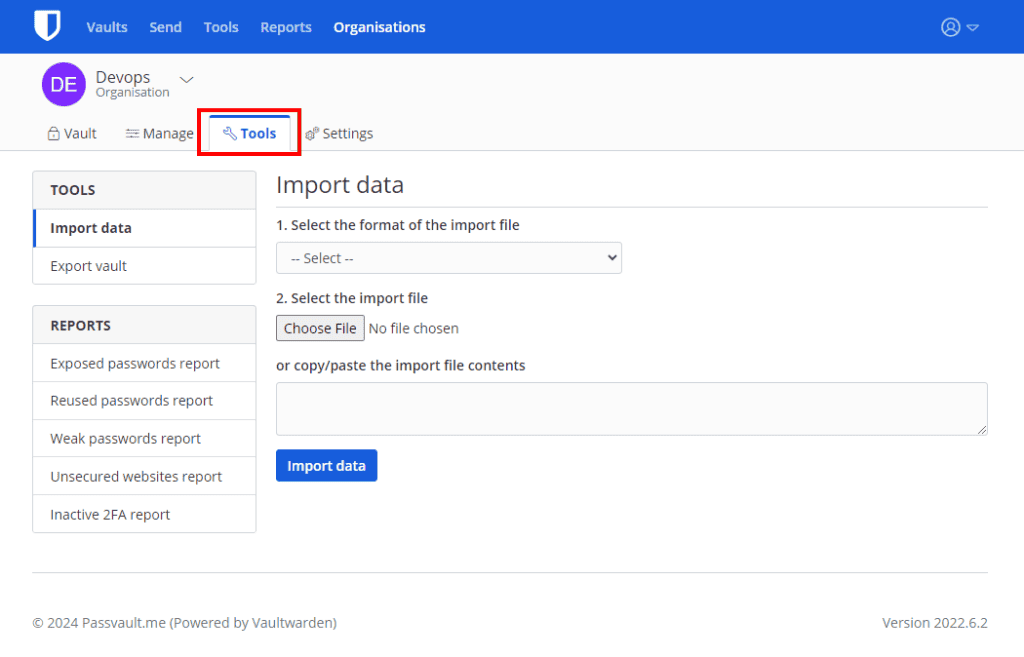
3. On the vault import page, choose a File format (.json, .csv, or .json (Encrypted)) .
4. On the vault import page, choose a File or copy/paste the file contents and submit the import data.


